What should I do if there is oil or water on the lens of the laser cutting machine?
If your laser cutting machine has just replaced new lenses and finds that the cutting quality is not ideal, or there is a large amount of oil and water on the lenses, this may be due to an internal problem in the cutting head. Here are some solutions to help you restore the normal operation of the laser cutting machine.
Check the interior of the cutting head
Use photo paper to check the internal condition of the cutting head. If there are oil, water, or other stains, they need to be cleaned. Place the cutting head on the bench and remove the copper nozzle to check for any abnormalities.
Optical path debugging
According to the specific situation of the device, the optical path debugging time is usually set to 30 to 50 milliseconds. If there are black spots in the light spot after debugging, it may be necessary to check the bottom of the cutting head.
Check components
Firstly, determine if there are any issues near satiety. If necessary, the air duct can be removed and the air duct head sealed to prevent dust from entering.
Then, remove the protective mirror and check if there are any issues on its upper and lower sides. To prevent dust from entering, it is necessary to seal the lower part. Prepare a small cross screwdriver and a set of Allen keys for disassembly and assembly operations.
clean
Prepare alcohol, dust-free cloth, and cotton swabs to clean all areas that need to be cleaned. Then, use a Phillips screwdriver to remove the cover and check for any dust. If everything is normal, install the cover back.
Lens replacement
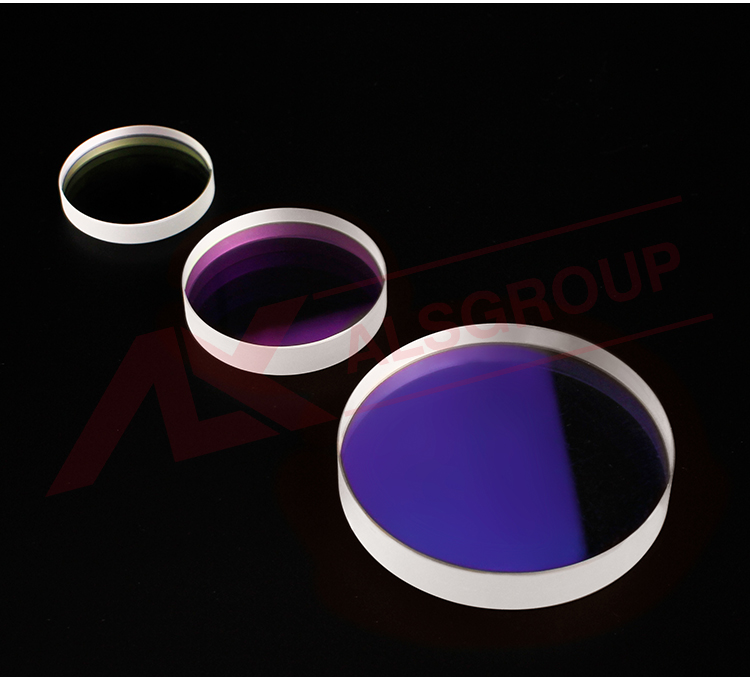
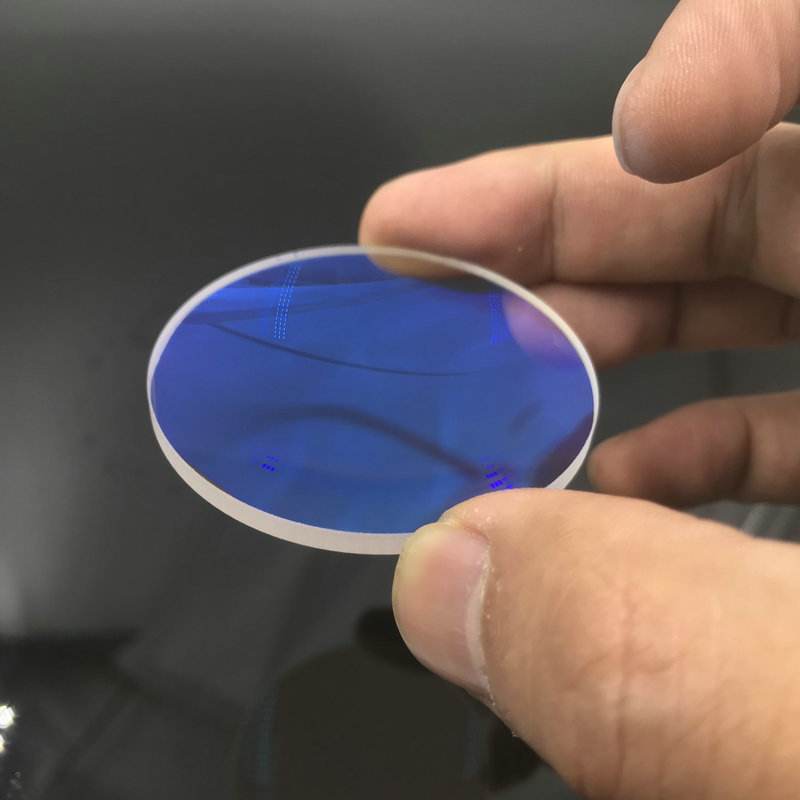
Replace the old lens with a new one. Before installing new lenses, ensure that both the lenses and the assembly area are clean.
inspect
After installing the new lenses, the final step is to insert the air tube and then use photo paper to check for black spots. If there are no black spots, it indicates that there is no problem with the lenses inside the cutting head.
test
Conduct a cutting test to check if the cutting quality has returned to normal. If there are no burrs on the reverse side of the cutting, then the fiber laser cutting machine has resumed normal operation.
Overall, if problems are encountered during the cutting process, patient analysis and inspection must be carried out to identify the root cause of the problem, in order to ensure the normal operation of the laser cutting machine.